This post contains Amazon affiliate links. If you buy through them, we may earn a small commission at no extra cost to you. See our Affiliate Disclosure for details.
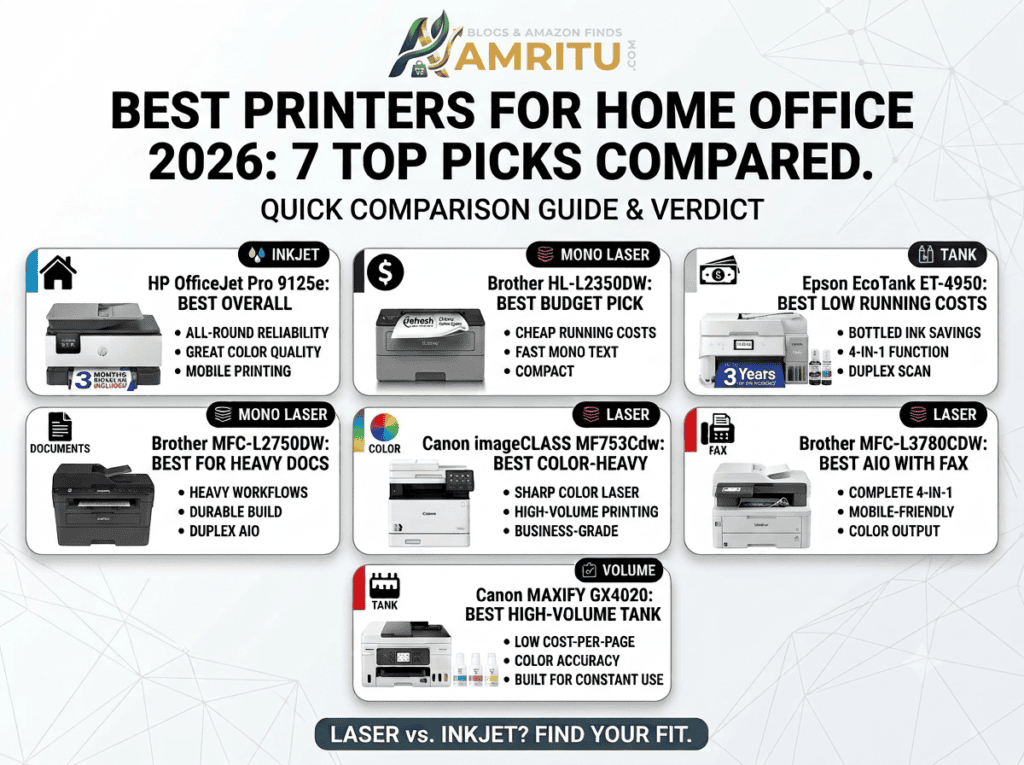
Buying a printer for your home office shouldn’t take a weekend of research. Below, we compare the seven best home office printers on the market right now — covering speed, running costs, and who each one is actually built for — so you can pick the right one in five minutes instead of fifty tabs.
| Printer | Type | Best For | Auto Duplex | Approx. Price |
|---|---|---|---|---|
| HP OfficeJet Pro 9125e | Inkjet AIO | All-round home office use | Yes | $383.40 |
| Brother HL-L2350DW | Mono Laser | Budget text printing | Yes | $707.72 |
| Epson EcoTank ET-4950 | Tank Inkjet AIO | Low cost-per-page | Yes | $599.99 |
| Brother MFC-L2820DW | Mono Laser AIO | Heavy document workflows | Yes | $379.99 |
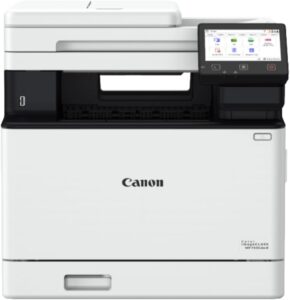
| Canon Color imageCLASS MF753Cdw | Color Laser | Color-heavy small office | Yes | $699.99 |
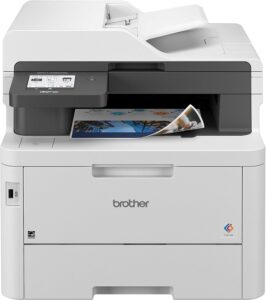
| Brother MFC-L3780CDW | Color Laser AIO | All-in-one with fax | Yes | $779.99 |
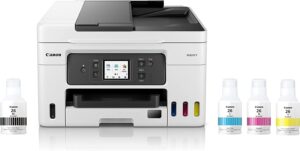
| Canon MAXIFY GX4020 | Tank Inkjet | High-volume printing | Yes | $494.99 |
We looked at what actually matters for a home office: reliability over time, real running costs (not just the sticker price), duplex and scanning support for paperwork-heavy work, and how each model holds up against common complaints like paper jams or ink clogging. Rankings below draw on a mix of expert lab testing and long-term owner feedback, not just spec sheets.
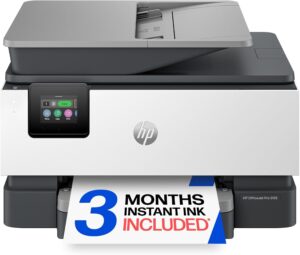
The 9125e is the safest all-round pick if you only want one printer for everything: documents, color print jobs, and mobile printing through the HP Smart app. It includes a touchscreen display and handles both text and color graphics cleanly.
Best for: Anyone who wants one reliable machine and doesn’t want to think about it again.
Pros
Cons
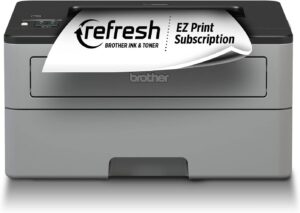
If your home office mostly prints contracts, forms, and school papers, a color printer is overkill. This compact mono laser is built for exactly that: fast, cheap-to-run, black-and-white printing with reliable Wi-Fi.
Best for: Budget-conscious home offices that print mostly text.
Pros
Cons
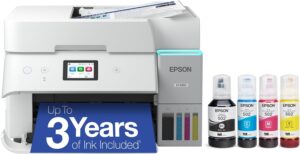
Instead of cartridges, this model refills from bottled ink — which dramatically cuts your cost per page if you print often. It’s a genuine all-in-one (print, scan, copy, fax) with a touchscreen and duplex scanning, a feature usually reserved for pricier machines.
Best for: Home offices that print a high volume every month and want to stop buying cartridges.
Pros
Cons
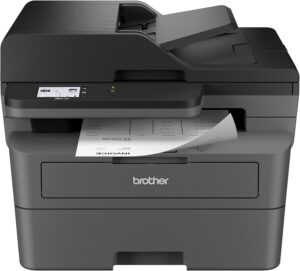
For a home office that’s really an extension of client-facing work — contracts, forms, scanning to PDF constantly — this Brother laser AIO is built for volume. It has a solid monthly duty cycle and a well-regarded reputation for running for years without major issues.
Best for: Consultants and remote workers with consistent, document-heavy workloads.
Pros
Cons
When your home office needs frequent, sharp color output — presentations, marketing materials, client documents — this Canon color laser is built for exactly that volume and quality level.
Best for: Small business owners or consultants who print color materials regularly.
Pros
Cons
Still need to fax? This color laser all-in-one covers print, scan, copy, and fax, with mobile scan-and-print functions built in. It’s a bigger machine, best suited to a dedicated office space rather than a small desk corner.
Best for: Home offices or busy households that need every function in one device, fax included.
Pros
Cons
For home offices that print constantly and want inkjet-quality color without laser running costs, this tank-based Canon model is built to keep up with high monthly volumes while keeping ink costs down.
Best for: High-volume printers who still want inkjet color quality.
Pros
Cons
What’s the best printer for a home office in 2026? For most home offices, the HP OfficeJet Pro 9125e is the best all-round choice, balancing print quality, speed, and ease of use. If you print mostly text documents, a mono laser like the Brother HL-L2350DW is cheaper to run long-term.
Is a laser or inkjet printer better for a home office? Mono laser printers are generally better for text-heavy home offices because they’re faster and cheaper per page. Inkjet or tank printers are better if you print in color regularly.
Are tank printers worth the higher upfront cost? Yes, if you print often. Bottled ink costs a small fraction of what cartridge ink costs, so the higher purchase price pays for itself over time for high-volume users.
Can I deduct a home office printer on my taxes? If the printer is used for business purposes, it’s typically deductible, but consult a tax professional and keep your receipts to confirm what applies to your situation.
How do I know what monthly duty cycle I need? As a rule of thumb, choose a printer rated for at least 2–3 times your expected monthly page volume, so it isn’t running at its limit every month.
If you only want one takeaway: for most home offices, the HP OfficeJet Pro 9125e covers everything well. If you print constantly and want to cut costs long-term, go with a tank printer like the Epson EcoTank ET-4950. And if your printing is almost entirely text-based paperwork, a mono laser like the Brother HL-L2350DW or Brother MFC-L2820DW will save you the most money over time.